


Download Waddle Photos – Secure Online Kids Album, Free Photo Organizer
Overview
Waddle Photos is a cloud‑based photo‑management app built especially for families who want to preserve every smile, step, and milestone of their children in a single, secure online album. Parents often accumulate thousands of pictures across phones, tablets, and cameras, making it hard to locate that perfect birthday snapshot or a first‑day‑of‑school grin. Waddle Photos solves this problem by offering an intuitive interface that automatically groups images by date, event, and even facial recognition, allowing you to create a chronological digital scrapbook that grows with your child.
The app lets you upload, organize, and share albums with relatives and friends, while keeping your data encrypted and backed up on secure servers. Whether you’re on Windows, macOS, Android, or iOS, Waddle Photos syncs seamlessly across devices, ensuring that every new photo is instantly available wherever you are. The free tier provides generous storage, and premium upgrades add unlimited space, advanced editing tools, and custom print options.
In short, Waddle Photos turns a chaotic collection of images into a cherished family heritage that can be revisited for generations.
Features That Make Waddle Photos Stand Out
Waddle Photos combines the simplicity of a consumer photo gallery with powerful organizational tools that are typically reserved for professional digital asset managers. Below is a curated list of the most compelling features that set this app apart from generic photo storage services.
- Automatic Timeline Creation: Images are sorted by capture date and displayed on an interactive timeline, making it easy to scroll through a child’s growth year by year.
- Smart Tagging & Facial Recognition: The AI engine detects faces, assigns names, and groups pictures by individual, so you can instantly find every photo of a specific child.
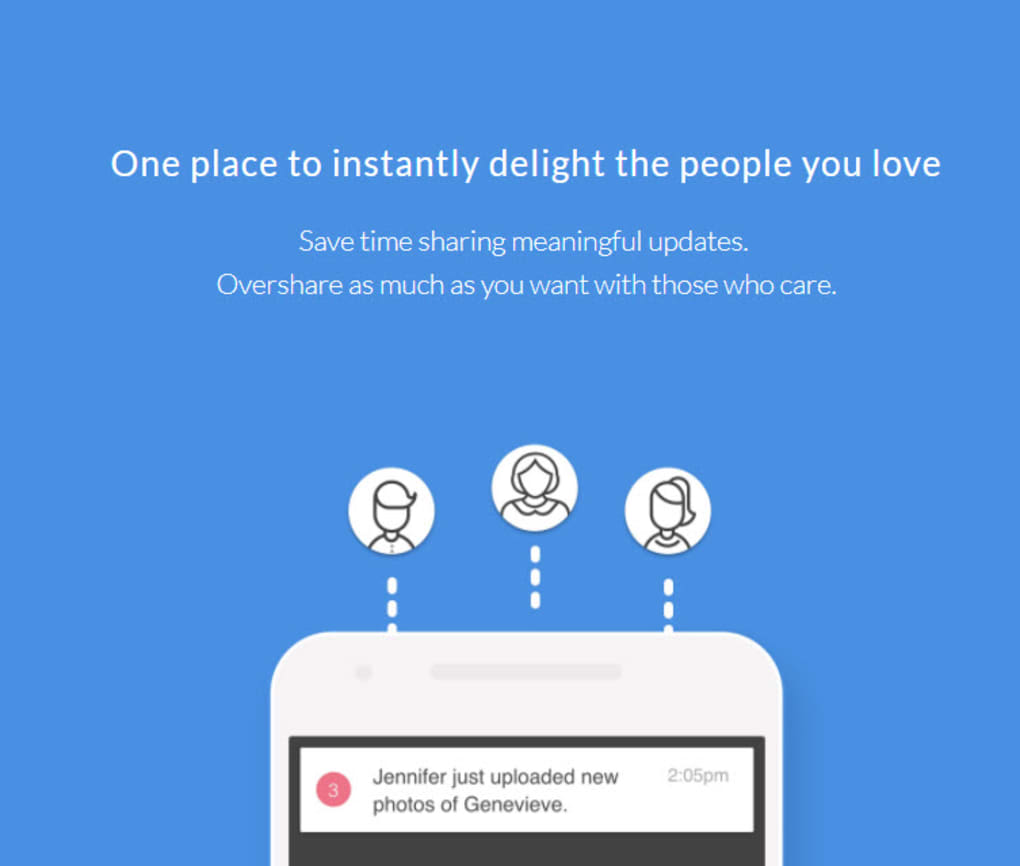
- One‑Click Sharing: Generate shareable links or invite family members via email, with customizable permissions (view‑only, comment, or full edit).
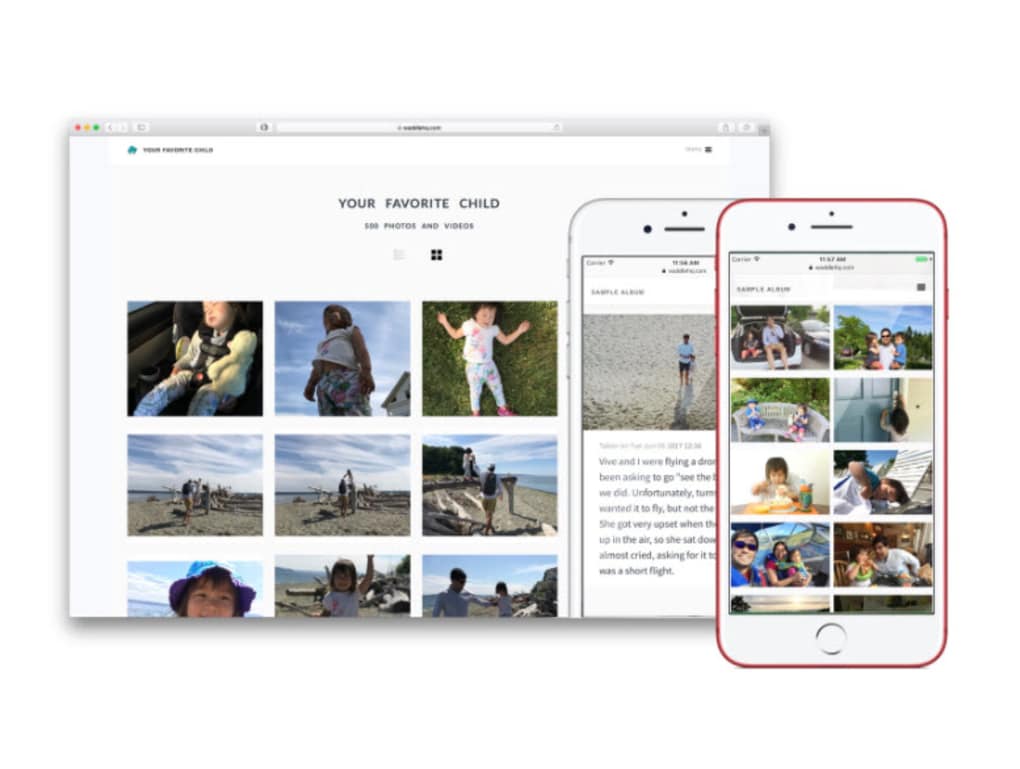
- Cross‑Platform Sync: Real‑time synchronization across Windows, macOS, Android, and iOS ensures your album is always up‑to‑date.
- Secure Cloud Storage: End‑to‑end encryption protects your photos during upload and while at rest, complying with GDPR and CCPA standards.
- Built‑in Photo Editor: Trim, crop, add filters, and create collages without leaving the app.
- Print & Gift Integration: Order photo books, canvases, or custom merchandise directly from the app, with discounts for premium members.
- Family Collaboration: Multiple caregivers can contribute photos, annotate memories, and add captions that become part of the permanent record.
- Offline Access: Download selected albums for offline viewing, perfect for road trips or areas with limited connectivity.
Each of these capabilities is designed to reduce the friction of photo management while enhancing the emotional value of preserving family memories. The combination of AI‑driven organization and robust privacy controls makes Waddle Photos a trustworthy hub for any parent who wants to keep their children’s visual history safe, searchable, and shareable.
How to Install, Set Up, and Use Waddle Photos on Any Device
Getting started with Waddle Photos is a straightforward three‑step process: download, install, and personalize. The app is available in the official stores for Windows, macOS, Android, and iOS, and the web version works in any modern browser.
Installation Guide
- Windows & macOS: Visit the official download page, click the appropriate installer, and follow the on‑screen prompts. The installer verifies the digital signature to ensure a secure installation.
- Android: Open Google Play Store, search for “Waddle Photos,” tap Install, and grant storage permissions when prompted.
- iOS: Open the App Store, locate “Waddle Photos,” tap Get, and allow access to Photos and iCloud Drive for seamless syncing.
Initial Setup
After launching the app, you’ll be guided through a quick onboarding wizard:
- Create a free account using your email or link a Google/Apple ID for single‑sign‑on.
- Choose your preferred storage plan (the free tier includes 10 GB of encrypted cloud space).
- Enable “Smart Tagging” to let the AI start recognizing faces and organizing photos automatically.
Everyday Usage
Once set up, uploading is as simple as dragging files into the desktop client or tapping the + button on mobile. Waddle Photos will instantly generate thumbnails, assign dates, and suggest album titles based on detected events (e.g., “Birthday Party – June 2024”). You can then edit tags, add captions, or create custom albums for specific milestones such as “First Steps” or “School Days.” The built‑in editor lets you apply filters, add stickers, and draw directly on images, which is perfect for making personalized greeting cards.
Compatibility
Waddle Photos runs on Windows 10 or later, macOS 10.14 (Mojave) and newer, Android 8.0 (Oreo) or later, and iOS 13 or newer. The web version supports Chrome, Edge, Safari, and Firefox, ensuring a consistent experience across all major platforms.
Because the app syncs continuously, any change you make on one device—whether it’s renaming an album on your iPhone or adding a new picture on your Windows PC—appears instantly on all other devices. This real‑time collaboration is especially handy for busy families where multiple caregivers contribute to the photo archive.
Pros, Cons, Frequently Asked Questions, and Final Verdict
Pros & Cons
- Pros:
- Intuitive UI that requires no technical expertise.
- AI‑powered facial recognition saves countless minutes searching for specific photos.
- End‑to‑end encryption keeps family memories private.
- Cross‑platform syncing eliminates duplicate libraries.
- Free tier offers generous storage for most families.
- Integrated printing service turns digital albums into tangible keepsakes.
- Cons:
- Premium features (unlimited storage, advanced editing) require a subscription.
- Initial AI tagging may take a few minutes for large libraries.
- Offline mode only works for downloaded albums, not the entire cloud library.
Frequently Asked Questions
Is Waddle Photos free to use?
Yes, the app offers a free tier that includes 10 GB of encrypted cloud storage, automatic organization, and basic sharing features. Premium plans add unlimited storage, advanced editing tools, and priority support.
How secure is my data?
Waddle Photos uses AES‑256 encryption for data at rest and TLS 1.3 for data in transit. Your login credentials are protected with salted hashing, and you can enable two‑factor authentication for extra security.
Can I share albums with people who don’t have the app?
Absolutely. You can generate a public link that grants view‑only access, or invite collaborators via email who can edit the album after creating a free account.
Does the app work offline?
You can download individual albums for offline viewing, but full‑library synchronization requires an internet connection. Offline access is useful for travel or locations with limited Wi‑Fi.
What happens if I cancel my premium subscription?
Your account will revert to the free tier at the end of the billing cycle. Any data exceeding the free storage limit will remain in the cloud but will be inaccessible until you either free up space or upgrade again.
Final Verdict & Call to Action
Waddle Photos delivers exactly what modern parents need: a secure, intelligent, and hassle‑free way to collect, organize, and share their children’s photographic journey. The AI‑driven tagging and timeline features dramatically reduce the time spent hunting for that perfect photo, while the cross‑device sync ensures the whole family stays connected to the shared memory vault. Even though some advanced tools are locked behind a subscription, the free tier is more than sufficient for most households, making the app an attractive entry point for anyone looking to transition from scattered photo folders to a cohesive digital album.
If you’re ready to stop scrolling endlessly through camera rolls and start building a beautiful, searchable archive of your kids’ milestones, click the download button below. Enjoy a secure, free, and endlessly updatable photo album that grows alongside your family.
Download Waddle Photos now and start preserving memories that will last a lifetime.
Waddle Photos offers a polished, family‑focused experience with powerful AI organization and strong privacy safeguards. The free plan is generous, and the premium upgrade is reasonably priced for unlimited storage. Minor drawbacks include a short learning curve for AI tagging on massive libraries, but overall it’s an excellent solution for parents who want a dedicated kids‑photo album.



.png)



